
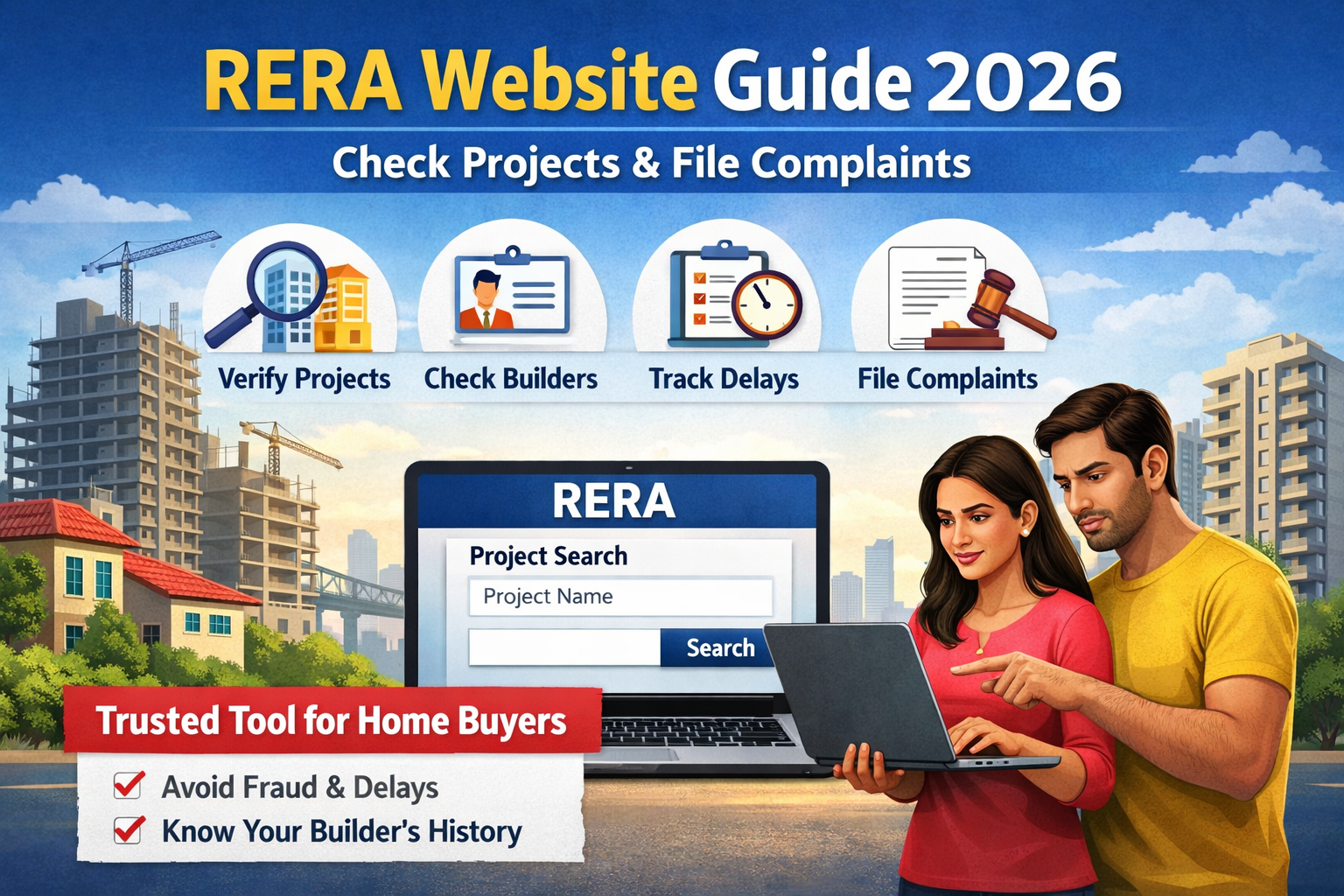
You’re about to invest ₹50 lakh to ₹1.5 crore in a property, but you’re still relying on what the builder or broker is telling you. That’s risky. According to the Ministry of Housing and Urban Affairs, thousands of buyer complaints are still filed every year due to project delays and misleading information.
The problem is, even though the RERA website India exists to protect you, most buyers either don’t use it or don’t know how to read the data properly. Builders highlight only the positives you rarely see delays, approvals, or legal issues unless you check yourself.
If you don’t verify details before booking, you could face years of delay, legal trouble, or financial stress.
In this guide, you’ll learn exactly how to use the RERA website, how to verify projects and builders, how to file complaints, and what mistakes to avoid with real Indian examples and practical insights.
What is RERA and Why It Matters
The RERA website India is part of the Real Estate (Regulation and Development) Act, 2016, commonly called RERA. This law was introduced to bring transparency and accountability into India’s real estate sector.
Before RERA, buyers depended on brochures, promises, and sales pitches. Many projects got delayed by 3–5 years, and buyers had little legal protection.
What RERA actually does for you
When you use the RERA website, you can:
- Verify if a project is legally registered
- Check construction timelines and delays
- Access approved plans and documents
- Track builder’s past performance
- File complaints against developers
Example (Real Scenario)
Suppose you’re buying a flat in Pune worth ₹80 lakh. The builder promises possession in 2027.
- Without RERA: You rely on verbal commitments
- With RERA: You verify registered completion date, approvals, and past delays
If the RERA portal shows completion as December 2028, you immediately know there’s a mismatch.
Why this matters for your home loan
Banks like State Bank of India or HDFC Bank also prefer RERA-approved projects. If a project isn’t registered, your loan approval can get delayed or rejected.
State-wise RERA Websites in India
RERA is implemented at the state level, which means every state has its own portal.
Important rule:
Always check the RERA website of the project location, not your city.
Key RERA portals:
| State | RERA Website |
|---|---|
| Maharashtra | MahaRERA |
| Uttar Pradesh | UP RERA |
| Karnataka | Karnataka RERA |
| Gujarat | GujRERA |
| Delhi | Delhi RERA |
| Telangana | TS RERA |
Example
If you’re buying in Mumbai, use MahaRERA.
If you live in Pune but buying in Noida, use UP RERA.
This mistake alone causes confusion for many buyers.
How to Check Project Details on RERA Website
Every RERA portal follows a similar structure.
Step-by-step process
- Visit your state RERA website
- Click on “Registered Projects” or “Project Search”
- Enter project name or RERA number
- Open project profile
What to check (most important)
1. Completion Date
If a project shows:
- Original: June 2025
- Revised: December 2027
That’s a 2-year delay already
2. Construction Status
“Under construction” doesn’t mean much unless you check:
- Start date
- Progress percentage
3. Approvals & Documents
Look for:
- Layout approval
- Environmental clearance
- Commencement certificate
Missing documents = risk
4. Carpet Area vs Super Area
If brochure says:
- 1,200 sq ft
But RERA shows:
- Carpet area = 850 sq ft
That’s what you actually get.
Example (₹ Value Insight)
Let’s say:
- Price = ₹8,000/sq ft
- Super area = 1,200 sq ft → ₹96 lakh
- Carpet area = 850 sq ft
Effective cost = ₹11,300 per sq ft
This is why checking RERA data matters.
How to Verify Builder Registration
Checking only the project is not enough.
Steps:
- Go to “Promoter/Builder Search”
- Enter builder name
- View all registered projects
What you learn:
- Total projects completed
- Delayed projects
- Complaints filed
Example
Builder A:
- 10 projects
- 6 delayed
- 20 complaints
Builder B:
- 5 projects
- 0 delays
- 2 complaints
Even if Builder A offers cheaper flats, Builder B is safer.
RERA Status Verification Explained
This is the most powerful use of the RERA website India.
What does status mean?
| Status | Meaning |
|---|---|
| Registered | Approved and compliant |
| Under Construction | Work ongoing |
| Completed | Ready for possession |
| Expired | Registration lapsed |
Example
If a project is not listed:
- Either not registered
- Or registration expired
Both are red flags.
Real-life scenario
A project in Noida advertises:
- “Pre-launch offer ₹5,500/sq ft”
But not listed on RERA.
This means:
- Approvals may not be complete
- High risk of delay
How to File Complaint on RERA Website
Even after checking everything, issues can happen.
When you can file a complaint
- Delay in possession
- Change in layout
- Hidden charges
- False promises
Step-by-step process
- Register on RERA portal
- Fill complaint form
- Upload documents
- Pay fee
Fees (approximate)
| State | Complaint Fee |
|---|---|
| Maharashtra | ₹5,000 |
| UP | ₹1,000 |
| Karnataka | ₹5,000 |
Example
You booked a flat for ₹70 lakh.
Possession delayed by 2 years.
You can:
- File complaint
- Seek compensation or refund
RERA usually resolves cases in 60–90 days depending on complexity.
Comparison Table: RERA vs Without RERA Check
| Factor | Without RERA Check | With RERA Website |
|---|---|---|
| Project verification | Based on trust | Verified data |
| Risk of delay | High | Reduced |
| Legal protection | Weak | Strong |
| Transparency | Low | High |
| Builder history | Unknown | Fully visible |
Common Mistakes to Avoid
1. Not checking RERA at all
Many buyers skip this step and rely on site visits.
Biggest mistake.
2. Checking only once
Project status can change.
Always re-check before:
- Booking
- Agreement
- Final payment
3. Ignoring revised completion date
Builders often extend deadlines.
Always compare original vs revised.
4. Not verifying builder history
Even if project looks good, builder track record matters more.
5. Confusing carpet area
Always focus on carpet area, not super built-up.
Expert Tips (LoanNestHub Insight)
- Always download RERA documents as proof
- Cross-check RERA data with site visit
- Prefer projects approved by major banks
- Use RERA before applying for a home loan
- Combine RERA + [link: home loan eligibility calculator]
FAQs
1. What is the use of RERA website?
The RERA website helps you verify project registration, builder history, approvals, and file complaints ensuring safer property buying.
2. Is RERA mandatory for all projects?
Yes, for most residential and commercial projects above a certain size. Small projects may be exempt.
3. Can I trust a RERA-approved project fully?
It is safer, but not risk-free. Always verify details and visit the site.
4. How long does RERA complaint take?
Typically 60 – 90 days, but complex cases may take longer.
5. What if project is not on RERA website?
Avoid booking. Ask builder for registration number. If unavailable, treat it as high risk.
Conclusion
The RERA website India is one of the most powerful tools available to home buyers today — but only if you use it properly.
You don’t need legal expertise or industry knowledge. Just checking a few key details can save you lakhs of rupees and years of stress.
Before you book any property:
- Verify project
- Check builder history
- Confirm timelines
And if you’re planning a loan, combine this with tools like our home loan EMI calculator to make smarter financial decisions.